Creating your account
Step-by-step guide to creating your Fjellride account and getting started.
Create your Fjellride account
Getting started with Fjellride takes just a few minutes.
1. Sign up
Visit fjellride.se and click Get Started. Enter your email address and choose a password.
2. Verify your email
Check your inbox for a verification email and click the confirmation link.
3. Set up your organization
Once verified, you'll be guided through creating your first organization. This is where you'll manage your rental inventory, bookings, and customers.
4. Configure your first location
Add your rental location with address, opening hours, and pickup/drop-off details.
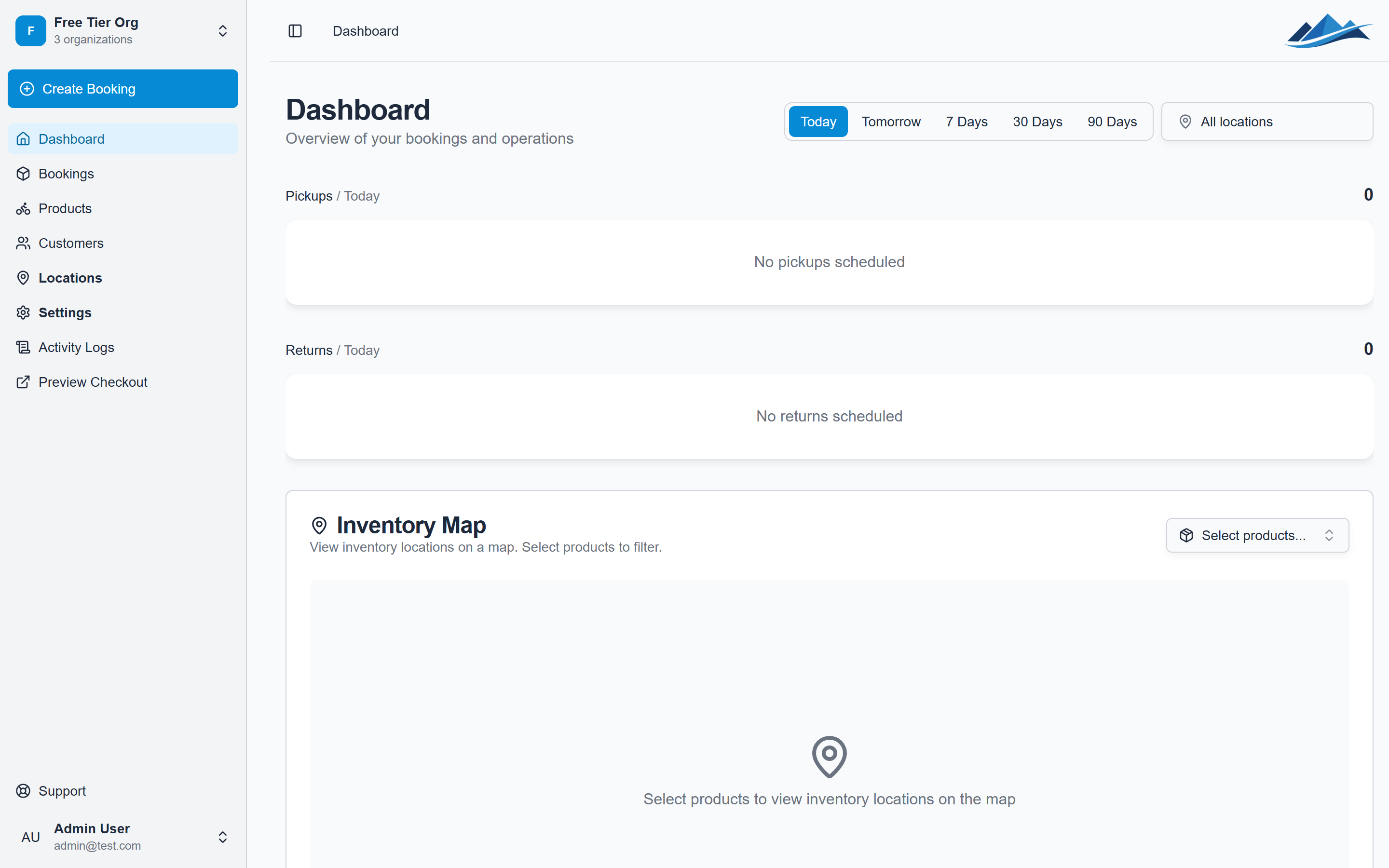
You're all set! Head to the dashboard to start adding products and accepting bookings.