
Setting up your first rental product
Learn how to add products, set pricing, and manage inventory in Fjellride.
Add your first rental product
Once your organization and location are set up, it's time to add products.
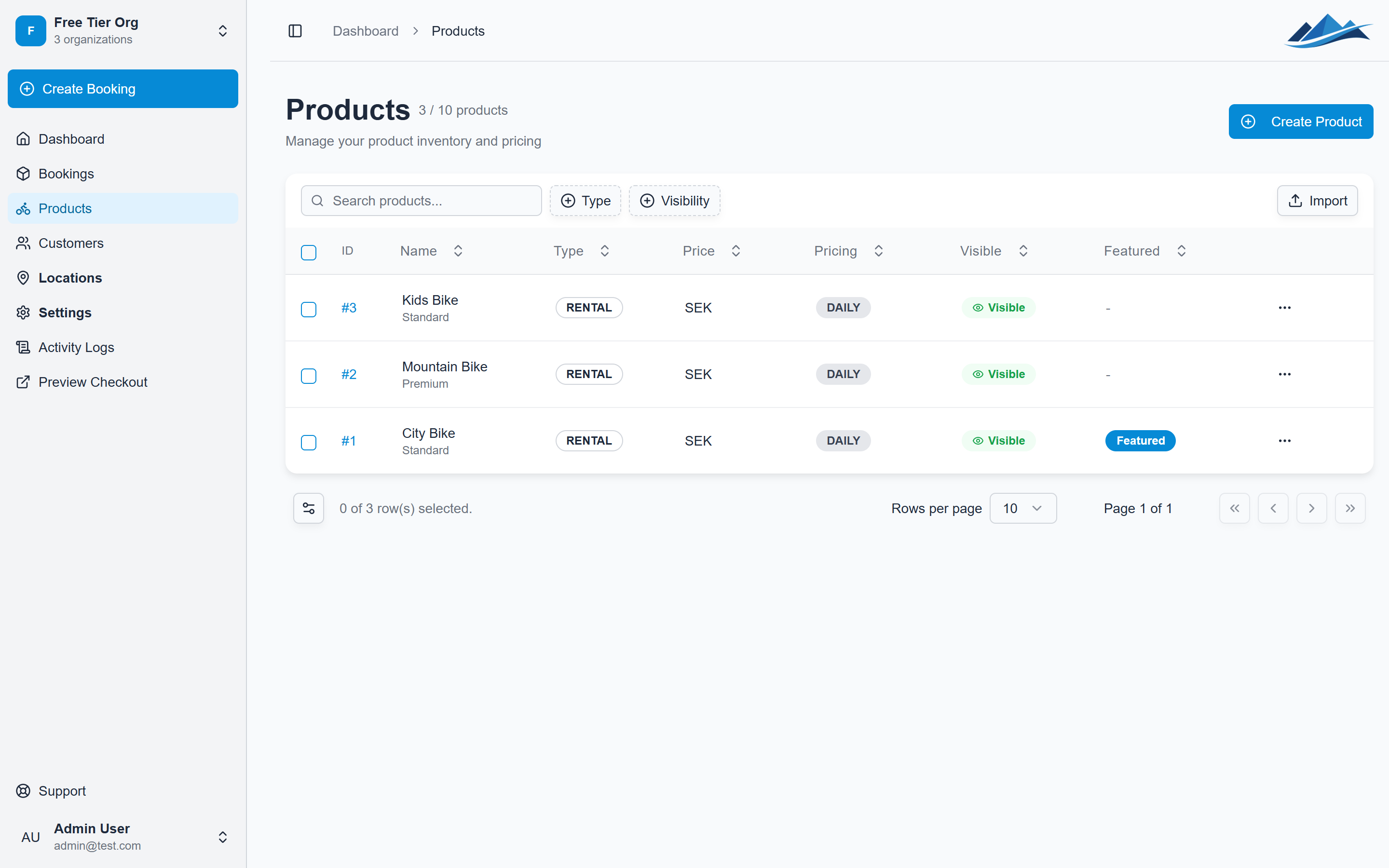
1. Navigate to Products
From the dashboard sidebar, click Products and then Add Product.
2. Fill in product details
- Name: A clear name for your rental item (e.g. "Mountain Bike - Adult")
- Description: Help customers understand what they're renting
- Category: Group similar products together
- Type: Choose Rental, Product, or Service
3. Set pricing
- Daily pricing: Set a base price and optional extra-day discount
- Flat pricing: Set a single price regardless of duration
4. Add inventory
If inventory tracking is enabled, add individual units with optional identifiers (serial numbers, labels, etc.).
Your product is now live and ready to be booked through your storefront!