
Understanding organizations and locations
Learn how organizations and locations work together in Fjellride to structure your rental business.
How organizations and locations work
Every Fjellride account belongs to an organization — this is the top-level container for your entire rental operation. All products, bookings, customers, and team members live under one organization.
What is an organization?
An organization represents your rental business. When you sign up and complete onboarding, your first organization is created automatically. Most operators only need one.
Your organization includes:
- Team members — invite colleagues with different permission levels
- Products — everything you rent out, sell, or offer as a service
- Bookings — all customer reservations across your locations
- Settings — billing, branding, and configuration
What are locations?
Locations are the physical places where customers pick up and return rental equipment. Each organization can have multiple locations.
Every location has:
- Name — a clear identifier (e.g. "Mountain Lodge" or "City Centre Shop")
- Address — street, city, zip code, and country
- Opening hours — set per day of the week with open/close times
- Default status — mark one location as your default for new bookings
Setting up your first location
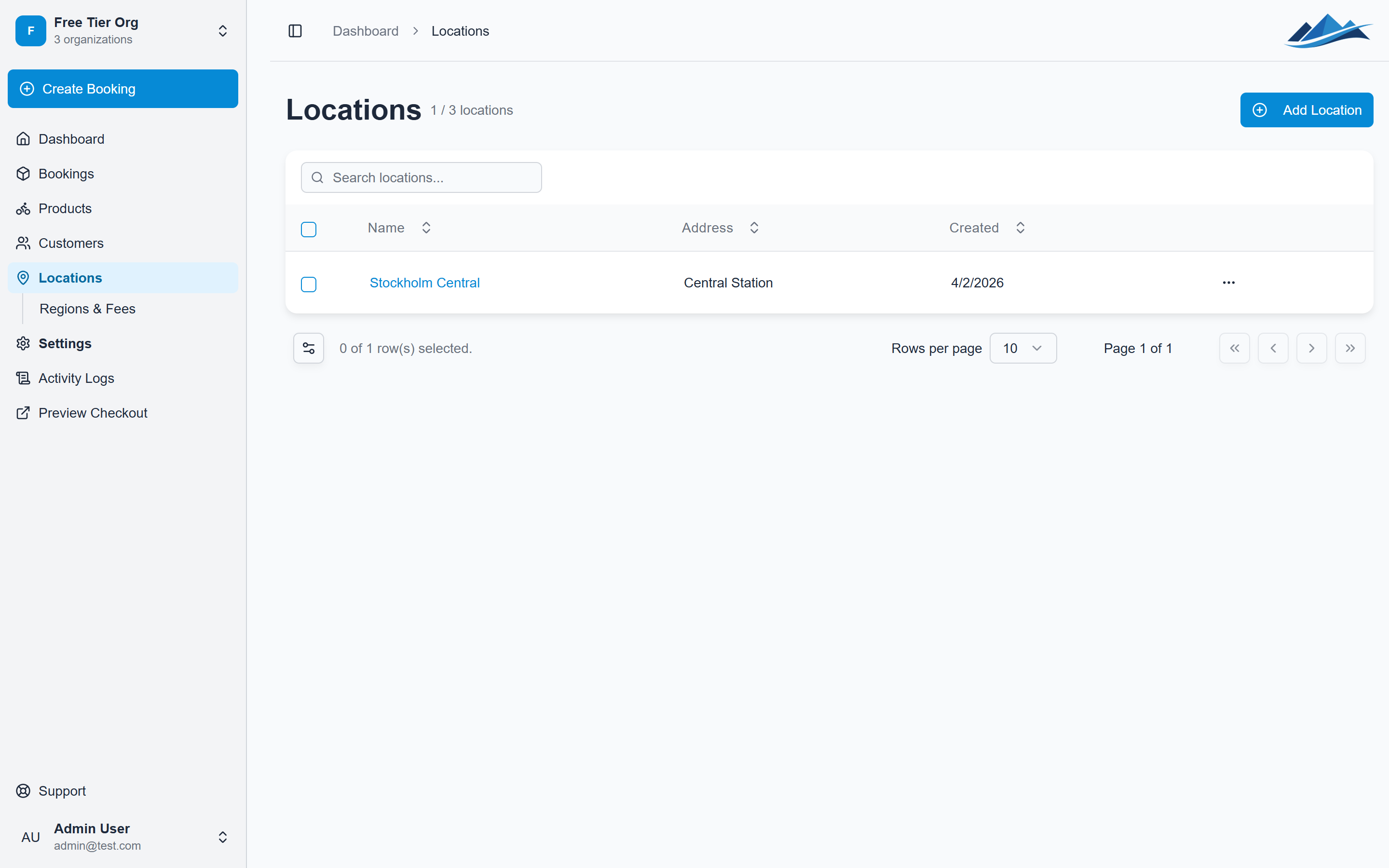
- Go to Settings in the sidebar and select Locations
- Click Add Location
- Fill in the name and address details
- Set your opening hours for each day of the week
- Choose whether this should be your default location
Location-specific options
Locations also support a few useful options:
- Same-location fee — charge an optional fee when pickup and return happen at the same spot (useful if you want to encourage returns elsewhere)
- Late drop-off fee — set a fee for customers who return after closing hours
- Minimum notice — require a minimum number of hours before a booking can start at this location
- One-way restriction — restrict a location to only receive returns (not for pickups)
Multiple locations
If you operate from several spots — say a lakeside kiosk and a town-centre shop — create a location for each. Customers will be able to choose pickup and return locations when booking, and your inventory is tracked per location.