
Branding and appearance
How to customize your storefront with your brand colors, logo, fonts, and theme.
Customizing your storefront look
Branding settings let you make the storefront feel like your own — matching your company's visual identity instead of using generic defaults.
Accessing branding settings
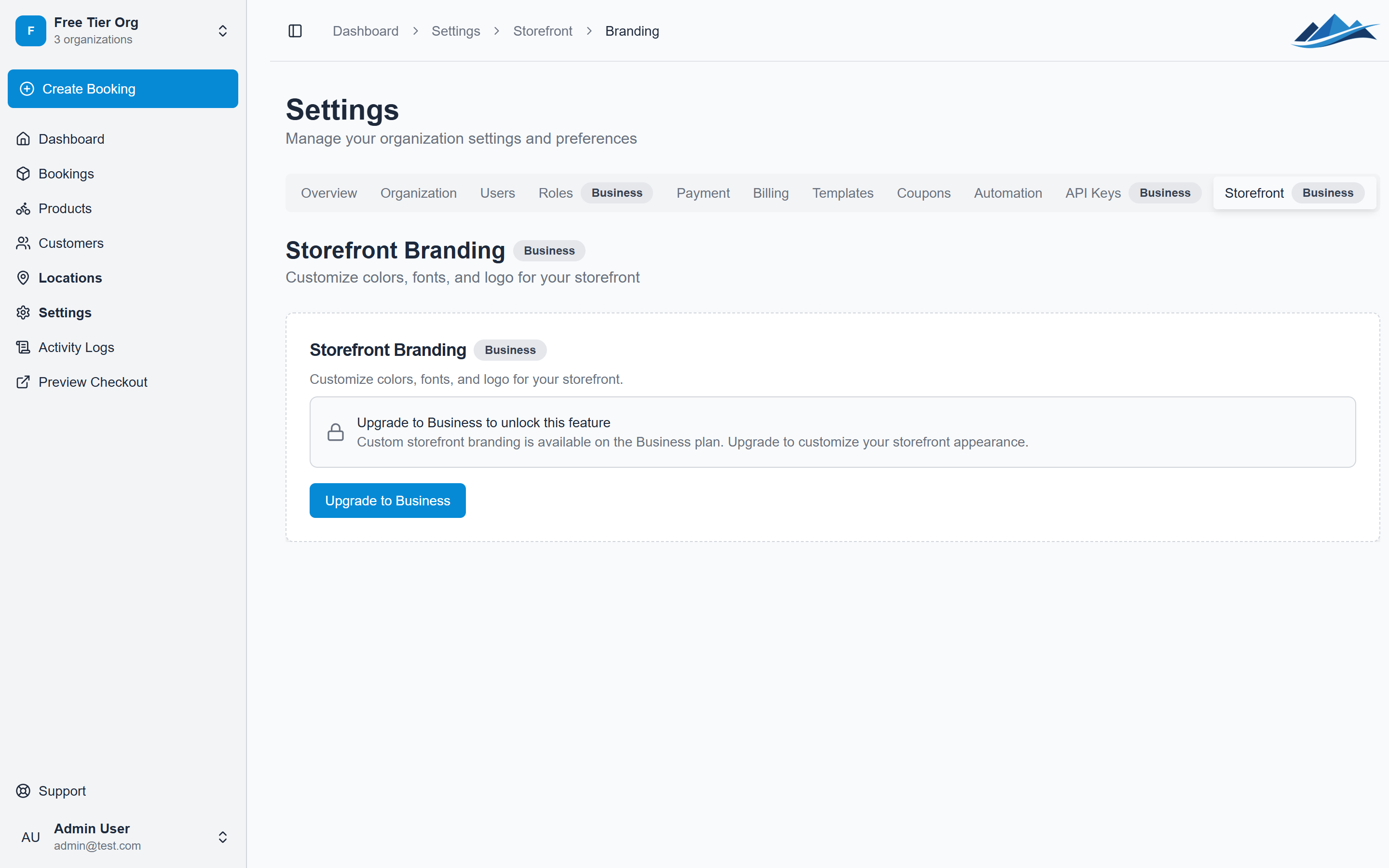
- Go to Settings → Storefront
- Click Branding (or navigate to Settings → Storefront → Branding)
Brand colors
Set three color values that are used throughout the storefront:
- Primary color — buttons, links, and key interactive elements
- Secondary color — supporting accents and secondary UI elements
- Accent color — highlights and decorative touches
Enter colors as hex values (e.g. #068ad6). The storefront updates immediately after saving.
Logo and favicon
Logo
Upload your business logo to display in the storefront header. It appears alongside your organization name.
- Supported formats: PNG, JPG, SVG
- Recommended size: at least 200px wide, transparent background works best
Favicon
Upload a favicon — the small icon shown in browser tabs when customers visit your storefront.
- Recommended size: 32x32 or 64x64 pixels
- Square format works best
Font
Choose a font for your storefront text. Fjellride offers a curated selection of Google Fonts that work well for rental storefronts.
The default font is Inter — a clean, modern sans-serif that works well at all sizes.
Theme
Choose the overall color scheme for your storefront:
| Theme | Effect |
|---|---|
| Light | White/light backgrounds with dark text (default) |
| Dark | Dark backgrounds with light text |
| Auto | Follows the customer's system preference (light or dark) |
How branding is applied
Your branding settings are applied to the entire customer-facing storefront:
- Navigation and header
- Product cards and detail pages
- Checkout flow
- Customer portal
- Email templates (when using branding-aware templates)
The operator dashboard (the admin UI you use to manage bookings) is not affected by storefront branding — it always uses the standard Fjellride theme.
Default branding
If you haven't configured branding, the storefront uses Fjellride's defaults:
- Primary color:
#068ad6(blue) - Font: Inter
- Theme: Light
- No logo or favicon
These defaults look clean and professional, so you can launch without custom branding and add it later.