
Managing API keys
How to create, rotate, and revoke API keys for integrating with the Fjellride API.
API key management
API keys let external systems authenticate with the Fjellride API. Use them for custom storefronts, third-party integrations, or automation scripts.
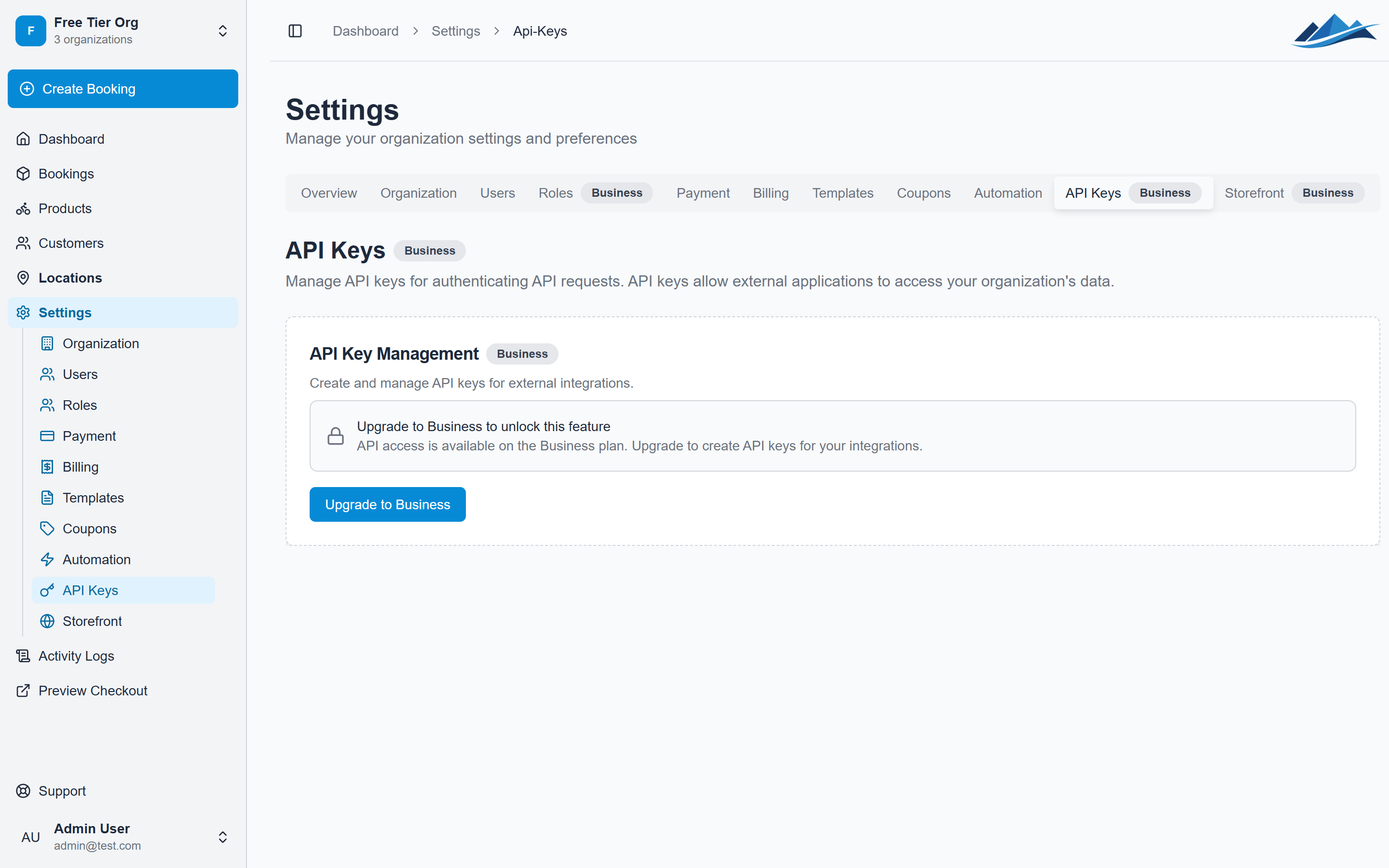
Creating an API key
- Go to Settings → API Keys
- Click Create API Key
- Enter a name for the key (e.g. "Website integration", "Booking sync")
- Optionally set an expiration date
- Click Create
- Copy the key immediately — it is only shown once
The key is a long string starting with fjr_. Store it in a secure location like a password manager or environment variable.
Key security
Follow these practices to keep your API keys secure:
- Store keys in environment variables — never hardcode them in source code
- Never expose keys in client-side code — the API rejects browser-origin requests using API key authentication
- Don't commit keys to version control — add API key files to your
.gitignore - Use separate keys for separate systems — if one is compromised, you only need to revoke that specific key
- Set expiration dates — keys that expire automatically reduce the window of risk from leaked credentials
Rotating keys
To rotate an API key:
- Create a new key
- Update your integration to use the new key
- Verify the integration works with the new key
- Disable or delete the old key
That way you can rotate keys without taking the integration offline.
Disabling a key
If you suspect a key has been compromised or you need to temporarily stop an integration:
- Go to Settings → API Keys
- Find the key
- Toggle it to Disabled
A disabled key is rejected on every request but can be re-enabled later. This is useful for temporary pauses without losing the key's configuration.
Deleting a key
- Go to Settings → API Keys
- Find the key
- Click Delete
- Confirm
Deletion is permanent. Any system using this key will immediately lose access.
What API keys can do
API keys inherit the permissions of the user who created them, scoped to the organization the key belongs to. They can:
- List and manage products, locations, and inventory
- Create and update bookings
- Query booking and customer data
- Process payments and refunds
For the full list of API endpoints, see the API documentation or the interactive API reference.