
Organization settings
A complete guide to configuring your organization profile, branding, checkout options, and storefront settings.
Your organization settings
Organization settings control how your rental business appears to customers, how the checkout works, and core business details like timezone and currency. Find them in Settings → Organization in the sidebar.
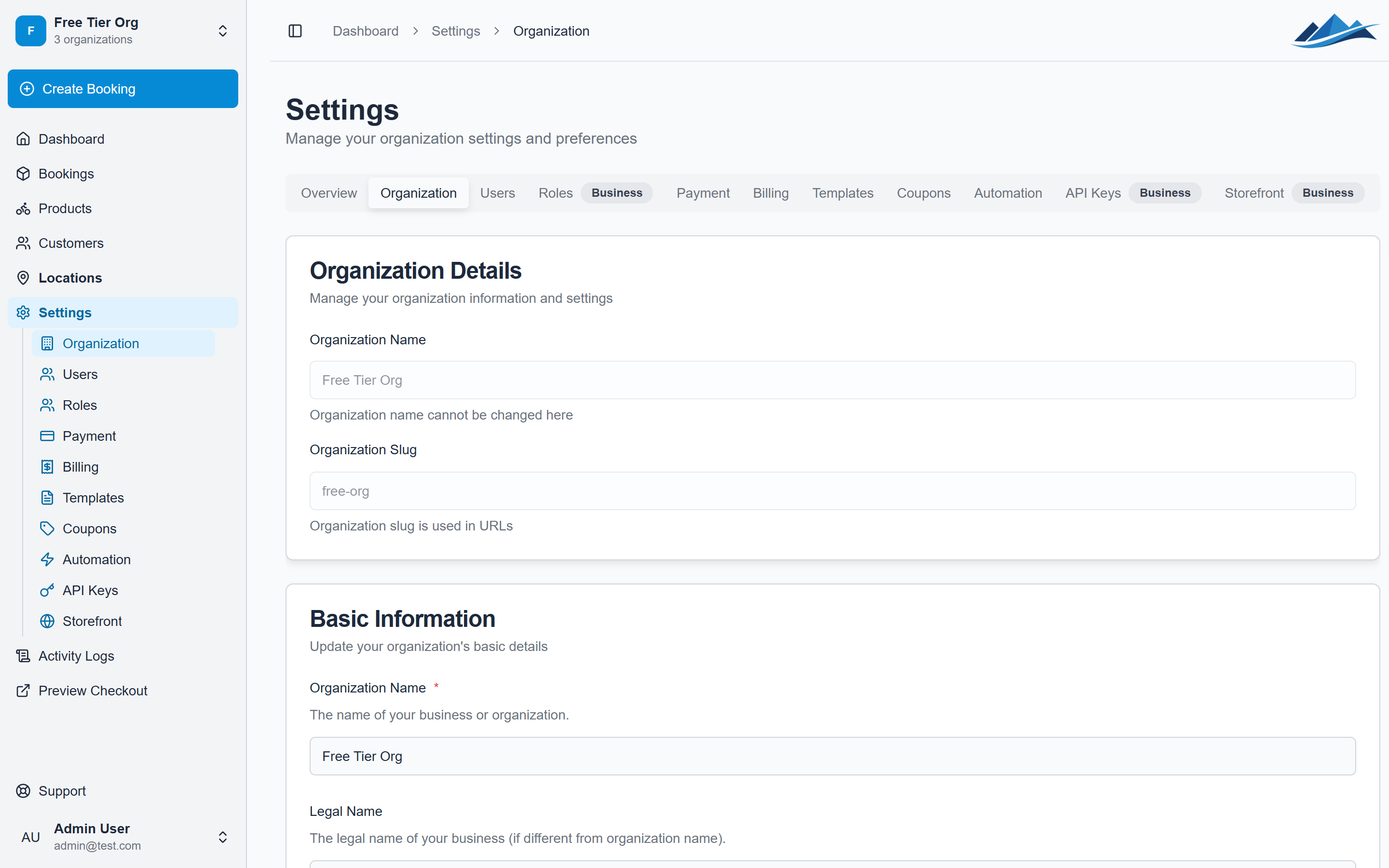
Business information
Basic details
- Organization name — displayed to customers on your storefront and in emails
- Legal name — your registered business name for invoices and contracts
- Email — primary contact email (used as reply-to for customer emails)
- Phone — contact phone number
- Website — your business website URL
- VAT number — shown on invoices and tax-related documents
Address
Your business address appears on documents and invoices:
- Street address, city, postal code, country
Regional settings
- Timezone — determines how dates and times are displayed in the dashboard and to customers
- Currency — the currency for all prices and payments
Checkout configuration
These settings control how the customer checkout experience works on your storefront:
Require phone number
When enabled, customers must provide a phone number during checkout. Useful if you need to contact customers about pickups.
Require name
When enabled, customers must enter their name during checkout.
Checkout hold time
Set how long a checkout session stays active before expiring (in minutes). If a customer starts checkout but doesn't complete payment within this window, the session expires and any reserved inventory is released.
Custom checkout fields
Add custom fields to the checkout form for collecting additional information:
- Go to Settings → Organization
- Scroll to Storefront Custom Fields
- Add fields with a key, label, type, and whether they're required
Custom field data is stored on the booking and visible in the dashboard.
Default tax rate
Set a default service VAT rate that applies to all rental products unless overridden at the product level. This rate is used for tax calculations during checkout.
Storefront branding
Customize how your storefront looks with branding options:
- Logo — your business logo (displayed in the storefront header and emails)
- Favicon — the small icon shown in browser tabs
- Theme — choose between Light, Dark, or Auto (follows the customer's system preference)
- Brand colors — customize the primary colors used on your storefront
Menu links
Add custom navigation links to your storefront header. Useful for linking to your terms of service, about page, or social media profiles.
Regions
Regions let you group locations into geographic areas and define delivery fees for cross-region bookings.
Setting up regions
- Go to Settings → Regions
- Create regions (e.g. "North", "South", "City Centre")
- Assign each location to a region
Fee mappings
Define fees for bookings where the pickup and return locations are in different regions:
- Go to Settings → Regions
- Click Fee Mappings
- Set a fee for each from/to region combination
For example: Pickup in "North" and return in "South" = 200 kr delivery fee.
Activity log
Every change made in the dashboard is logged. View the activity log from Settings → Activity Log to see who made what changes and when. This covers:
- Booking status changes
- Product updates
- Settings modifications
- Tag and document actions
- User and role changes
The activity log is read-only and requires the logs:view permission.