
Booking statuses explained
What each booking status means and how bookings move through the lifecycle.
Booking lifecycle
Every booking in Fjellride follows a lifecycle from creation to completion. The status tells you — and your customer — exactly where a booking stands.
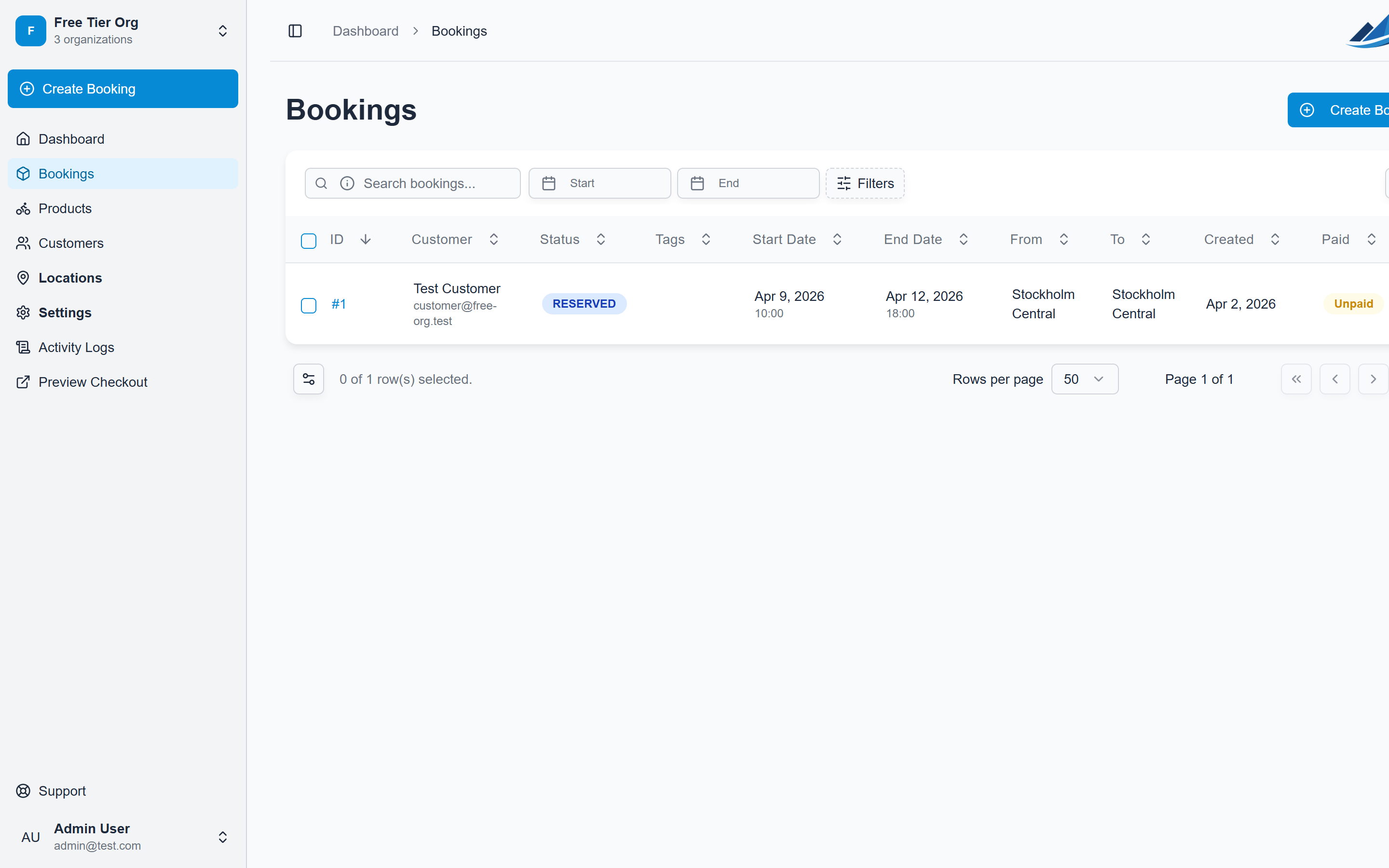
Status overview
| Status | What it means |
|---|---|
| Concept | A draft booking that hasn't been confirmed or paid. Created by staff manually or when a customer starts checkout but hasn't completed payment. |
| Pending Payment | The booking is confirmed but payment hasn't been received yet. Common with manual bookings where you invoice separately. |
| Reserved | Paid and confirmed. The customer has a guaranteed reservation and inventory is allocated. |
| Partially Picked Up | Some (but not all) items in the booking have been collected by the customer. |
| Picked Up | The customer has collected all rental items. The rental period is active. |
| Partially Returned | Some items have been returned, but others are still out. |
| Returned | All items are back. The booking is complete. |
| Cancelled | The booking was cancelled. Inventory is released back to availability. |
| Archived | An old booking moved to archive for cleaner day-to-day views. |
Typical flow
Most bookings follow this path:
Concept → Reserved → Picked Up → Returned
For online bookings, customers go through Stripe checkout, which moves the status from Concept straight to Reserved once payment succeeds.
For manual bookings created by staff, you can set the initial status yourself and update it as the rental progresses.
Changing a booking's status
- Open the booking from the Bookings page
- Click the status badge or use the status dropdown
- Select the new status
You can also update statuses in bulk: select multiple bookings from the list and use the Change Status action.
What customers see
Customers receive email notifications at key status changes (configurable in your email templates). On the customer portal, they can see:
- Their booking details and current status
- Pickup and return dates and locations
- A summary of booked products
Customers cannot change their own booking status — all status transitions are managed by your team through the dashboard or API.
Payment status
Separate from the booking status, each booking also tracks whether it's paid or unpaid. A booking can be Reserved but unpaid (e.g. pay-on-pickup arrangements), or Concept but already paid (pre-payment before staff confirmation).
You can update payment status independently from the booking status.