
Managing bookings
How to view, update, and manage rental bookings in your dashboard.
Managing your bookings
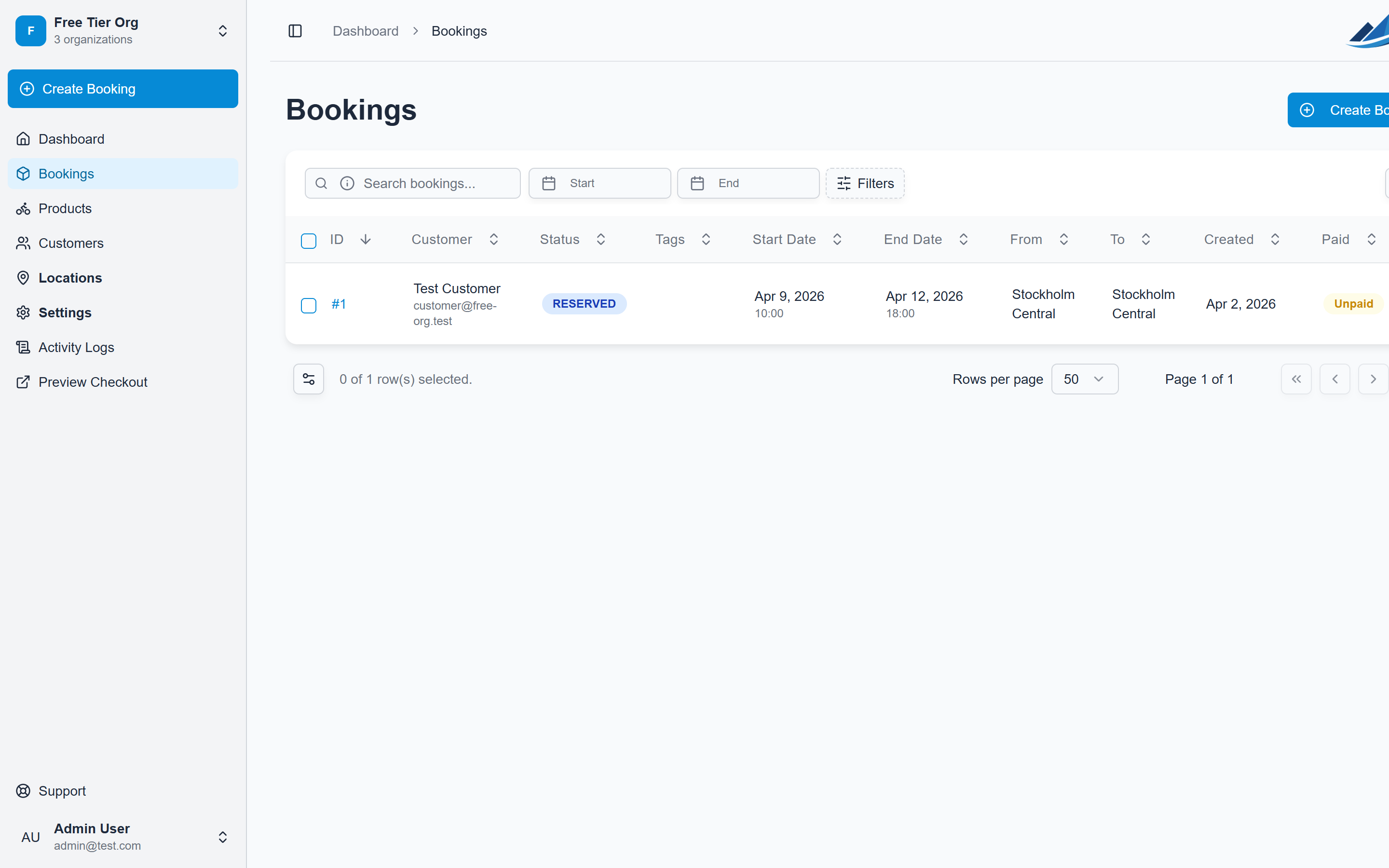
The Bookings page gives you a full overview of all reservations across your organization.
Viewing bookings
Navigate to Bookings in the sidebar to see all bookings. Use the filters to narrow down by status, date range, or search by customer name.
Booking statuses
- Concept: Draft booking, not yet confirmed
- Pending Payment: Awaiting customer payment
- Reserved: Confirmed and paid
- Picked Up: Customer has collected the rental items
- Returned: Items returned, booking complete
- Cancelled: Booking was cancelled
Updating a booking
Click any booking to view its details. From there you can:
- Update the status (e.g. mark as picked up)
- Add internal notes
- Send emails to the customer
- Process refunds if needed
Creating manual bookings
Click Add Booking to create a reservation directly from the dashboard, useful for walk-in customers or phone bookings.