
Exporting booking data
How to export your bookings as a CSV file for reporting, accounting, and external analysis.
Exporting bookings
You can export your booking data as a CSV file for use in spreadsheets, accounting software, or custom reports.
How to export
- Go to Bookings in the sidebar
- Apply any filters you need (status, date range, search term)
- Click the Export button in the toolbar
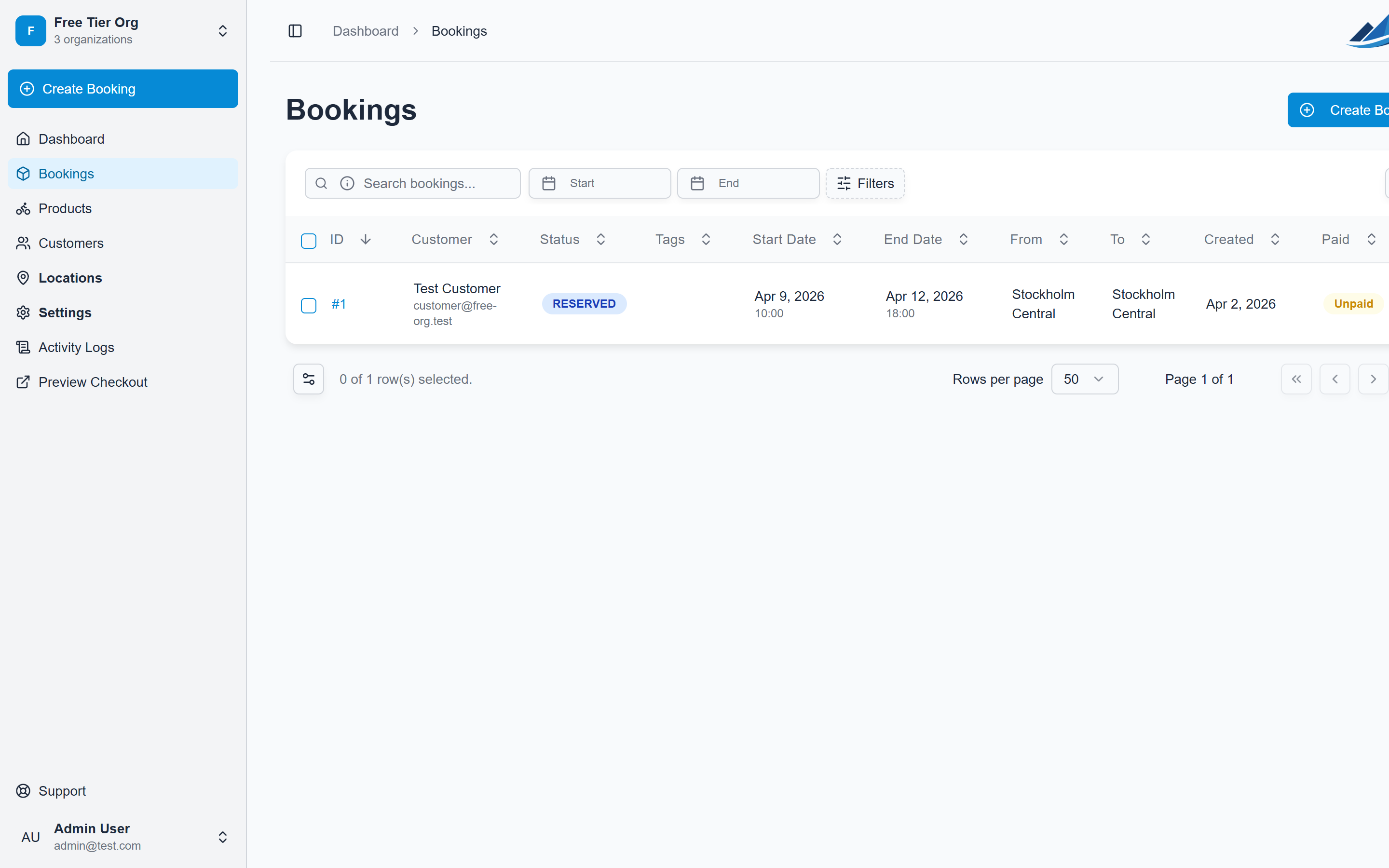
The export downloads a CSV file containing all bookings that match your current filters and sorting.
What's included in the export
Each row in the CSV represents one booking and includes:
| Column | Description |
|---|---|
| ID | Booking reference number |
| Customer name | Customer's full name |
| Customer email | Customer's email address |
| Status | Current booking status |
| Start date | Rental start date |
| End date | Rental end date |
| Pickup location | Where items are collected |
| Return location | Where items are returned |
| Paid | Whether the booking is paid |
| Tags | Comma-separated tag names |
| Products | Line items with product names and quantities |
| Subtotal | Product pricing subtotal |
| Fees | Delivery and location fees |
| Discount | Applied discount amount |
| Tax | Tax amount |
| Net | Amount after discount and before tax |
| Total | Final booking total |
| Created | When the booking was created |
Filtering before export
The export respects all active filters. This means you can:
- Export only Reserved bookings for a specific month
- Export bookings for a single location
- Export everything matching a search term
If no filters are applied, all bookings are exported.
File format
The export is a standard CSV (comma-separated values) file. The filename includes the export date and any date range filters:
text
bookings_export_2026-04-07.csv
bookings_export_2026-04-07_2026-07-01_2026-07-31.csv
Using the export
Common use cases:
- Accounting — import into your accounting software for reconciliation
- Reporting — analyze booking trends in a spreadsheet
- Tax filing — calculate revenue and fees for a specific period
- External tools — sync data with calendar apps, CRMs, or analytics platforms