
Managing customers
How to create, view, and organize customer records in your dashboard.
Your customer list
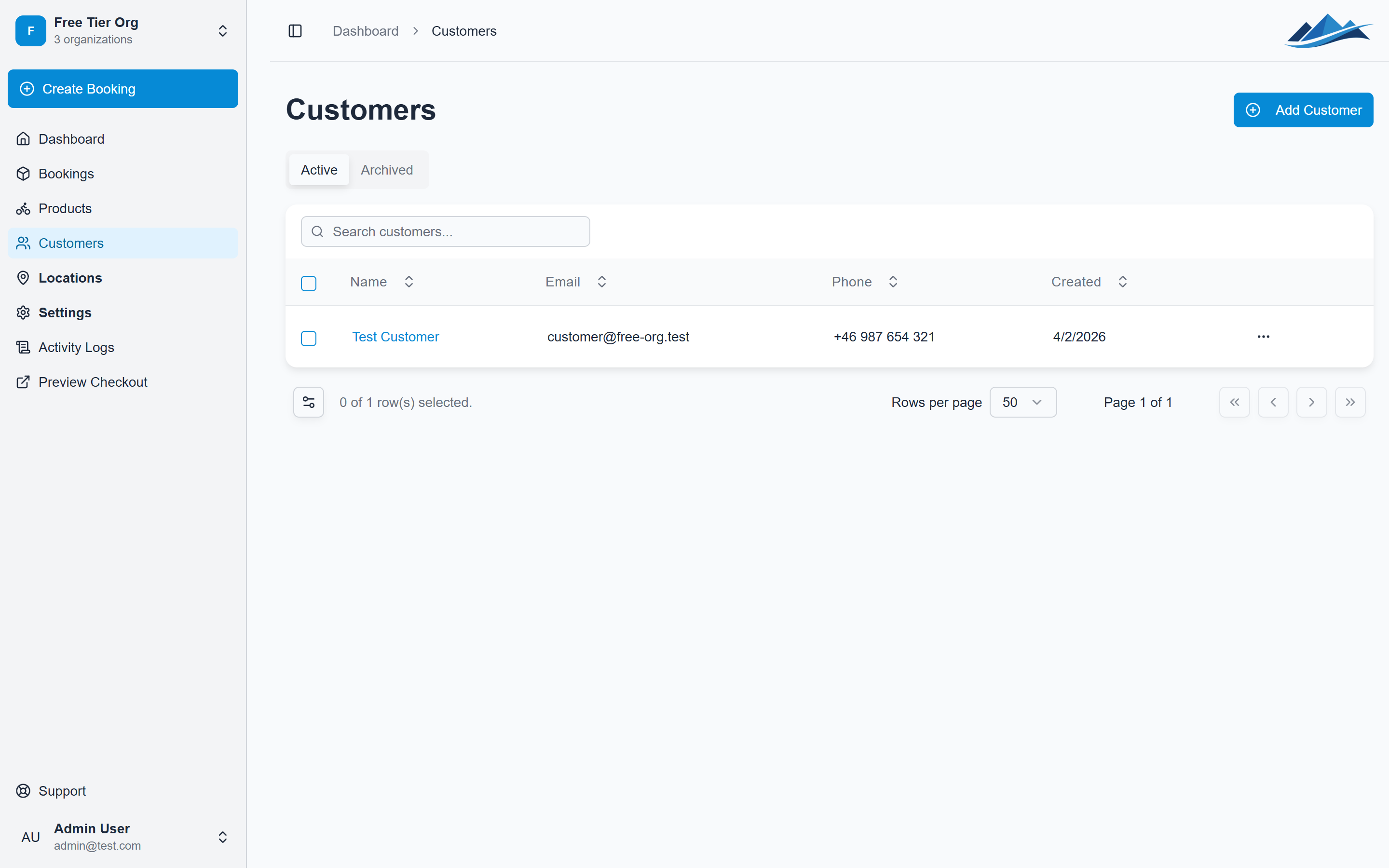
Every person who books through your storefront or is added manually becomes a customer record in Fjellride. Find them under Customers in the sidebar.
The customer list shows all contacts across your organization, with tabs for Active and Archived customers.
Creating a customer
Customers are created automatically when someone completes a booking on your storefront. You can also add them manually:
- Go to Customers
- Click Add Customer
- Fill in:
- Name (required)
- Email (required) — must be unique within your organization
- Phone (optional)
- Notes (optional) — internal notes only visible to your team
Viewing a customer
Click any customer to see their detail page, which includes:
- Contact information — name, email, phone
- Notes — internal notes
- Login status — whether the customer has a linked Fjellride account
- Booking history — all bookings associated with this customer
Editing a customer
- Open the customer detail page
- Click Edit
- Update any fields
- Save
Searching and filtering
Use the search bar at the top of the customer list to find customers by name, email, or phone number. The search requires at least 2 characters.
You can also filter by:
- Role — Customer, Editor, or Admin
- Status — Active or Banned
- Sort by — Name, Email, Role, Created date, or Last login
Archiving and deleting
Archiving
Archive customers you no longer work with but want to keep for records:
- Select one or more customers
- Click Archive
Archived customers move to the Archived tab and don't clutter your active list.
Deleting
To permanently remove a customer:
- Select one or more customers
- Click Delete
- Confirm
Customers and bookings
When creating a manual booking, you can link it to an existing customer record. This is required for any booking with a status other than Concept.
The customer's booking history is visible from their detail page, making it easy to see all past and current reservations in one place.