
Scanning items at pickup and return
Use barcode scanning to assign and verify the exact inventory units when customers collect and return their rental.
Scanning items at pickup and return
If your plan includes barcode scanning, you can scan the barcode (EAN) on each inventory unit when a customer collects or returns their rental. Scanning records exactly which physical units went out and came back, so your availability and history stay accurate without manual selection.
When to scan
- At pickup — when the customer arrives to collect a Reserved booking, scan each item to mark it as picked up and tie the specific unit to the booking.
- At return — when the items come back, scan them to mark the booking (or the individual units) as returned.
How scanning works
Scanning uses a simple two-step flow that works well on a phone or tablet at the counter:
- Choose the location you're scanning at. Use the searchable location picker if you operate from more than one place.
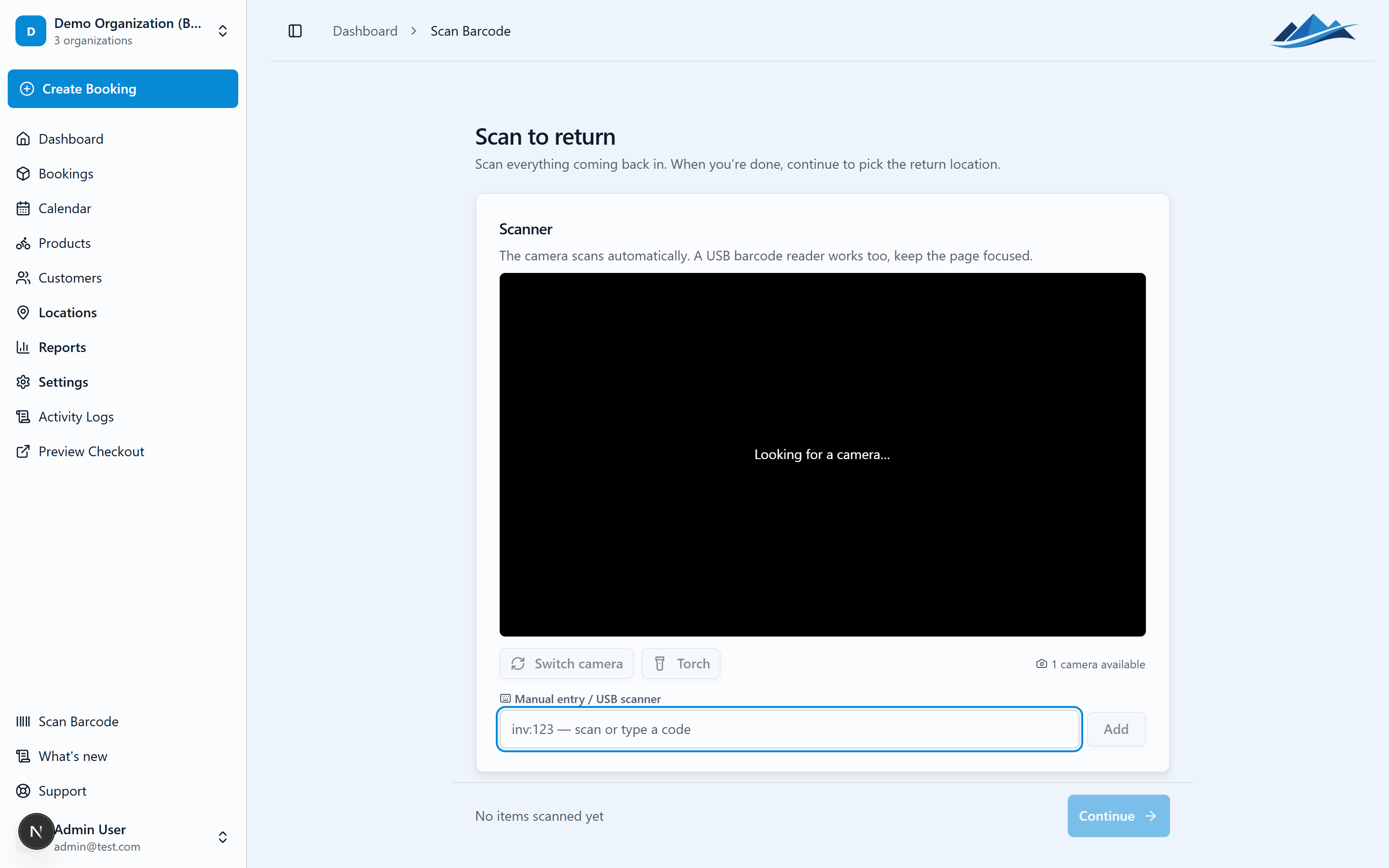
- Scan the items. Point the camera (or a connected barcode scanner) at each unit's barcode. Each successful scan is confirmed on screen and added to the booking.
You can scan several units in a row. If you scan the same code twice, Fjellride tells you it's already been scanned so you don't double-count a unit.
Pickup flow
- Open the booking and start the pickup scan.
- Choose the pickup location.
- Scan each item the customer is taking. As units are recognized they're assigned to the booking.
- Finish to move the booking to Picked Up (or Partially Picked Up if only some units went out).
Return flow
- Open the booking and start the return scan.
- Scan each item as it comes back.
- Finish to move the booking to Returned, or Partially Returned if some items are still out.
Printing barcodes for your items
To scan, your inventory units need barcodes. See Printing labels and exporting barcodes to generate print-ready labels or export your EANs.