
Searching bookings and customers
Find bookings and customers fast with dedicated search fields, filter chips, and filters on the bookings list.
Finding bookings and customers
The Bookings list is built for quickly locating a reservation, whether you have a name, an email, or a booking number.
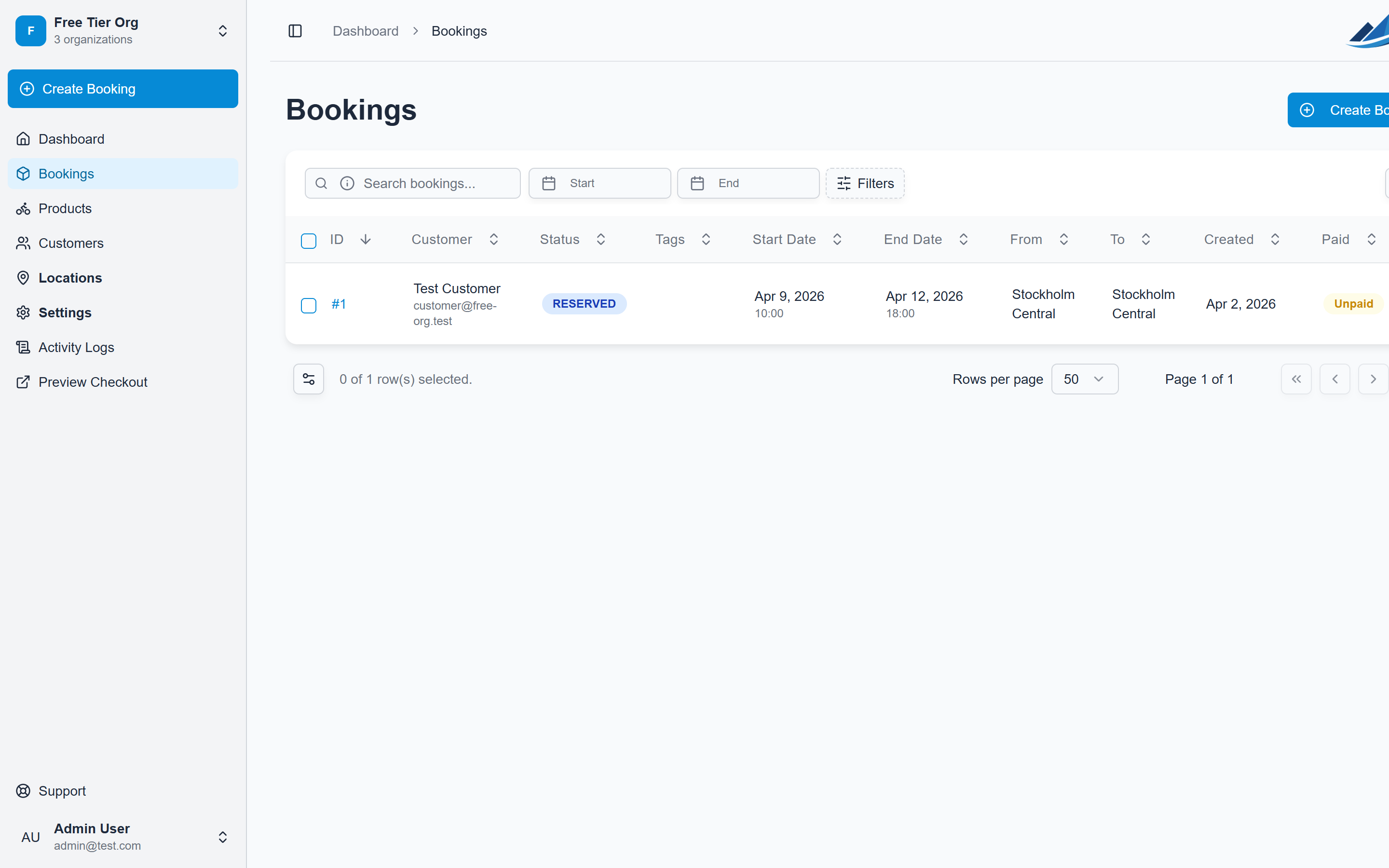
Search as you type
At the top of the bookings list there are dedicated search fields for customer name, customer email, and booking number. The list filters as you type, so you usually find what you need before you finish typing.
Press Enter to pin a term as a filter chip. Chips stack, so you can combine several at once (for example a name plus a booking number) and remove them individually when you're done.
Search matches on substrings, so a partial name or a few digits of a booking number is enough, and names that appear inside an email address are still found.
Filters
Use Filters to narrow the list further by status, payment status, location, tags, or date range. Use the Start and End date pickers to focus on a specific rental window. Active filters appear as chips so it's always clear what you're looking at; clear them to return to the full list.
Finding customers
Open Customers in the sidebar to search your customer records by name or email, again with substring matching. From a customer you can see their details and bookings, and jump straight into creating a new booking for them.