
Connecting payments
How to set up Stripe during onboarding so your storefront can accept customer payments.
Setting up payments
The final step of onboarding is connecting a Stripe account so your storefront can accept customer payments. Without Stripe, customers can't pay online — though you can still create manual bookings.
During onboarding
After creating your organization and configuring your timezone and currency, you'll be guided to connect Stripe:
- Click Connect with Stripe
- You'll be redirected to Stripe's setup flow
- Enter your business information, identity verification, and bank account
- Once complete, you're redirected back to Fjellride
If you don't have a Stripe account yet, one will be created for you during this process.
What gets set up
Stripe Connect creates a Standard Stripe account linked to your Fjellride organization. This means:
- Payments from customers go through Stripe directly to your account
- You get full access to the Stripe Dashboard for reporting and management
- Fjellride's platform fee is applied automatically on each transaction
- Payouts to your bank account follow Stripe's standard schedule
After connecting
Once Stripe is connected and verified:
- Your storefront can accept online payments
- Bookings paid online automatically move to Reserved status
- You can generate payment links for manual bookings
- Refunds can be processed directly from the Fjellride dashboard
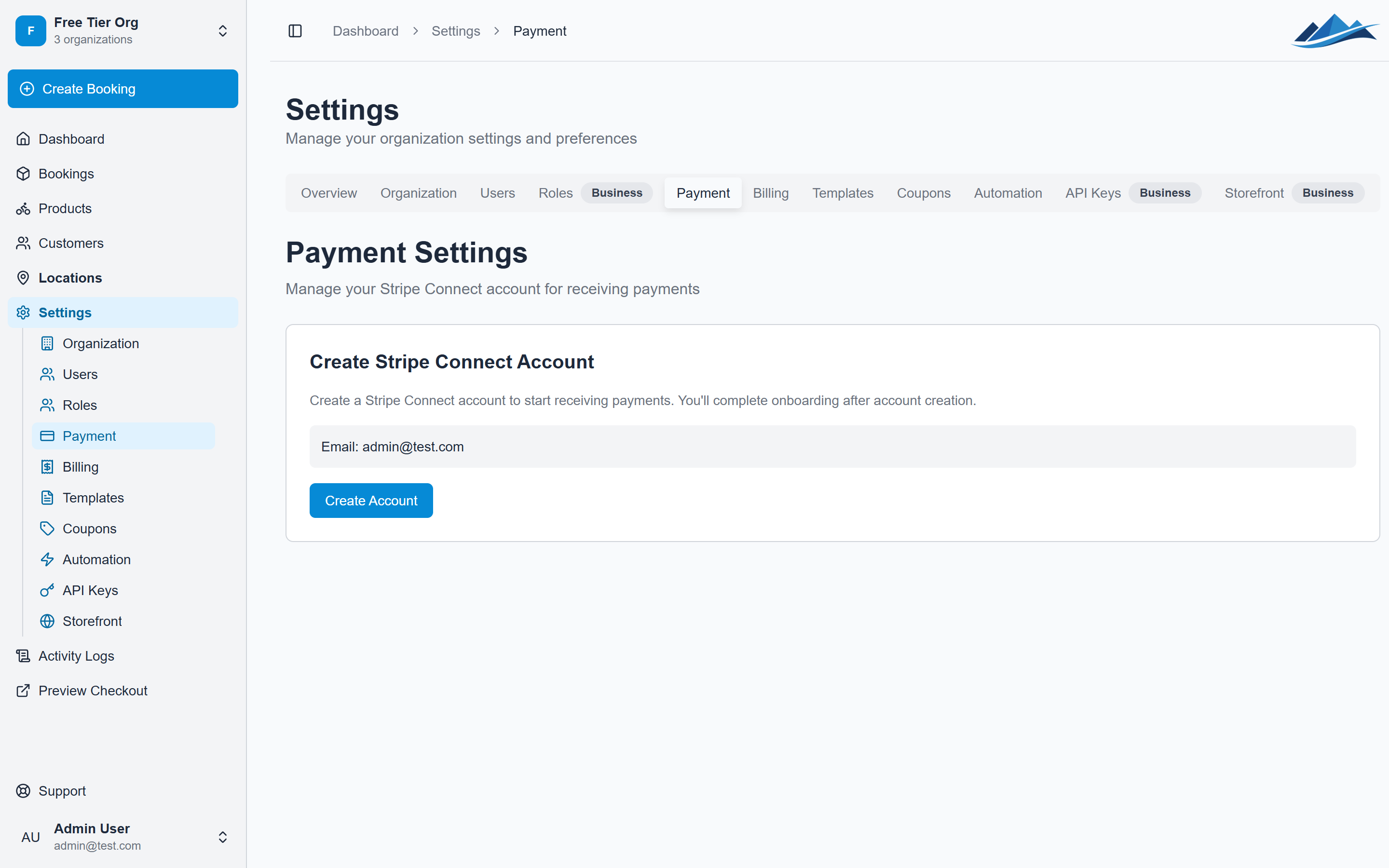
Checking your connection status
Go to Settings → Payments at any time to see:
- Whether your Stripe account is connected
- If charges are enabled (you can accept payments)
- If payouts are enabled (Stripe can send money to your bank)
- A link to open your Stripe Dashboard
Changing currencies
Your payment currency is set during onboarding (Settings → Organization → Currency). This determines the currency for all prices, checkout sessions, and payouts.
Next steps
Once payments are connected, you're ready to:
- Add products to your catalog
- Configure your storefront settings
- Set up email templates and automation for a hands-off booking flow
For a deeper dive into fees, payouts, and payment management, see Understanding fees and payouts.